Remove the box, keep the plan
For floorplans saved as a JPG with a solid white background.
Drag to compare
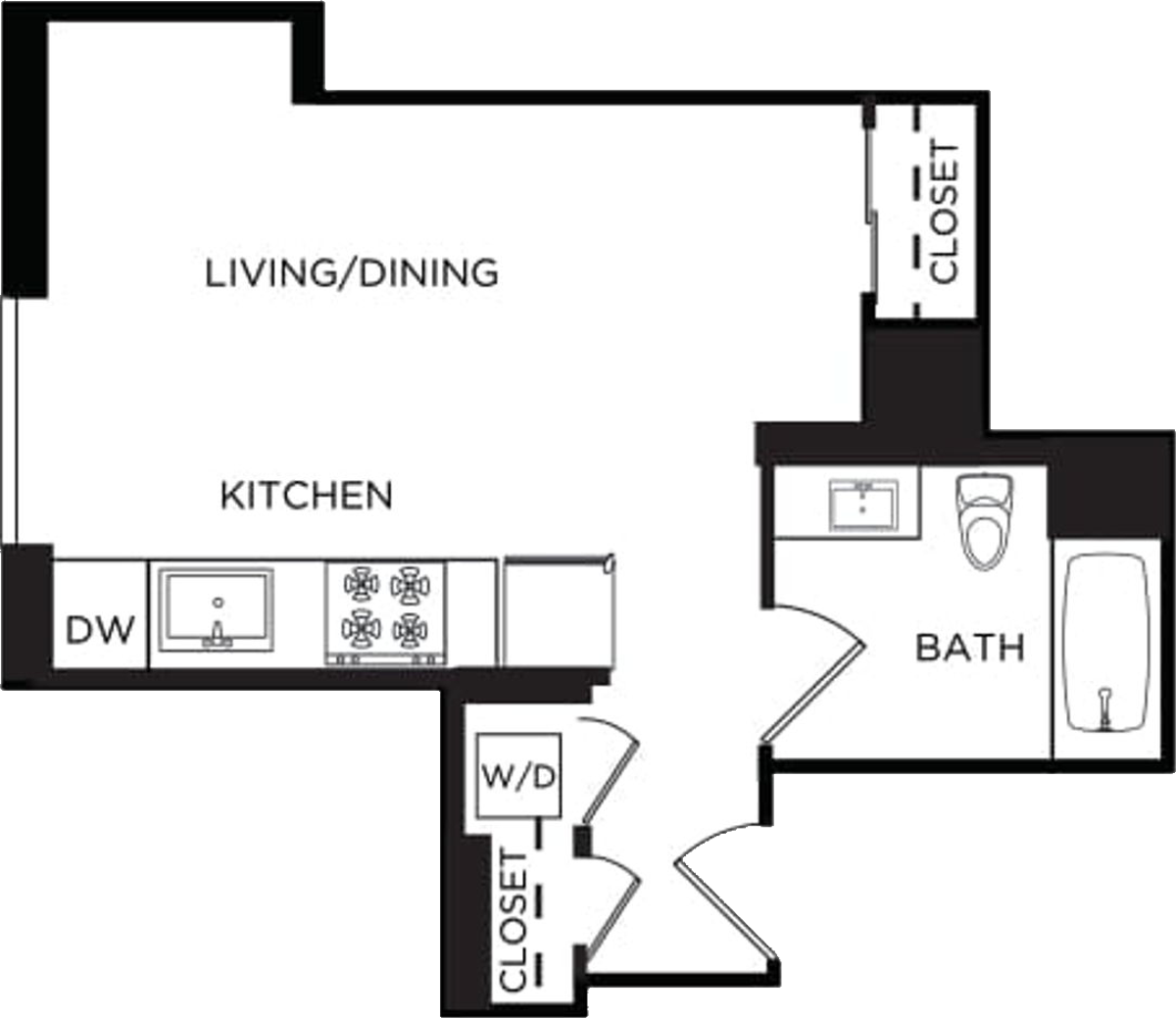
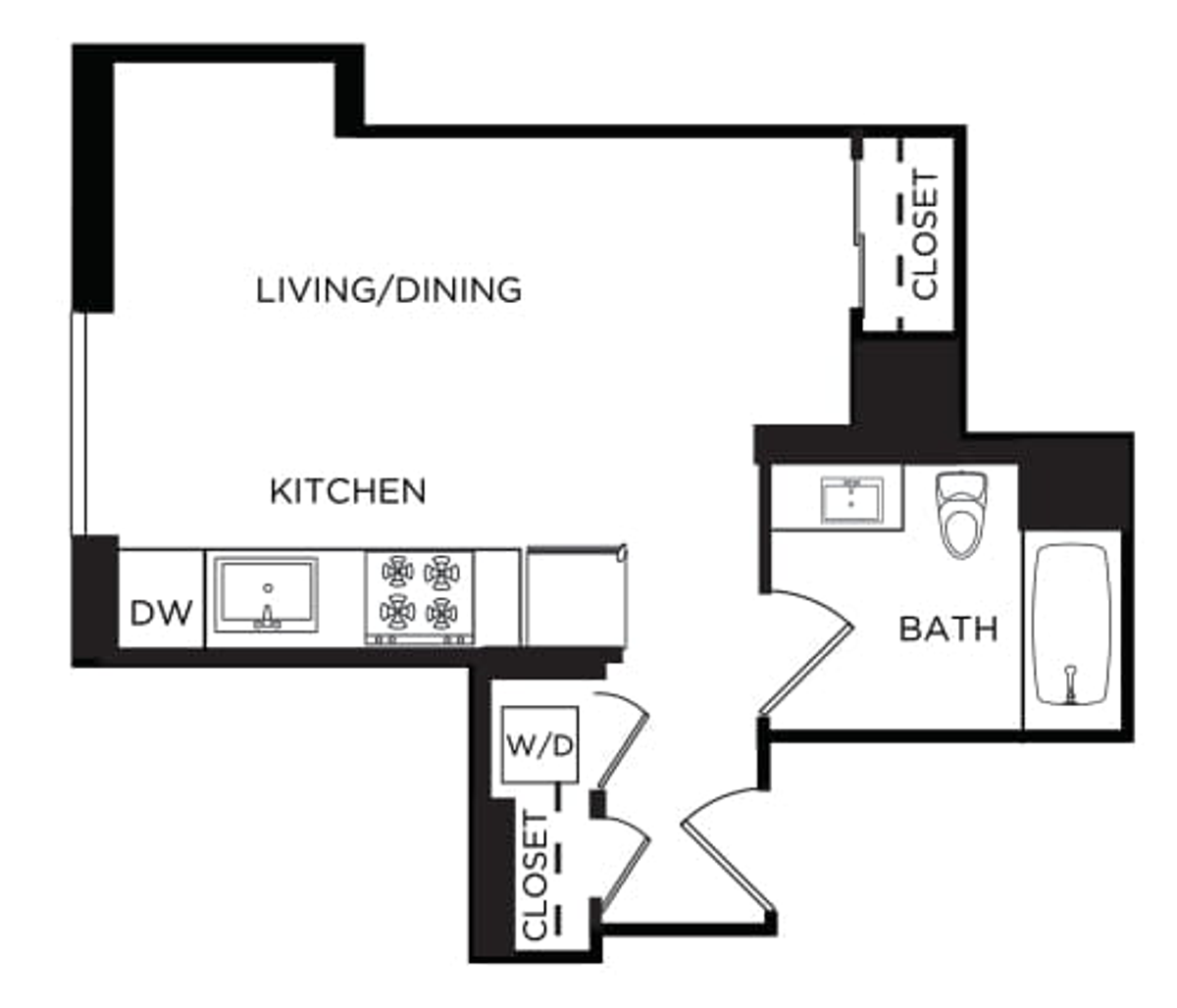
Before
After
Turn 2D and 3D floorplans into clean, transparent PNGs in seconds. We check one plan with AI to dial in the right settings, then clean the whole batch in your browser.
For floorplans saved as a JPG with a solid white background.
Drag to compare
For 100% transparent floorplans, add the background to the plate.
Drag to compare

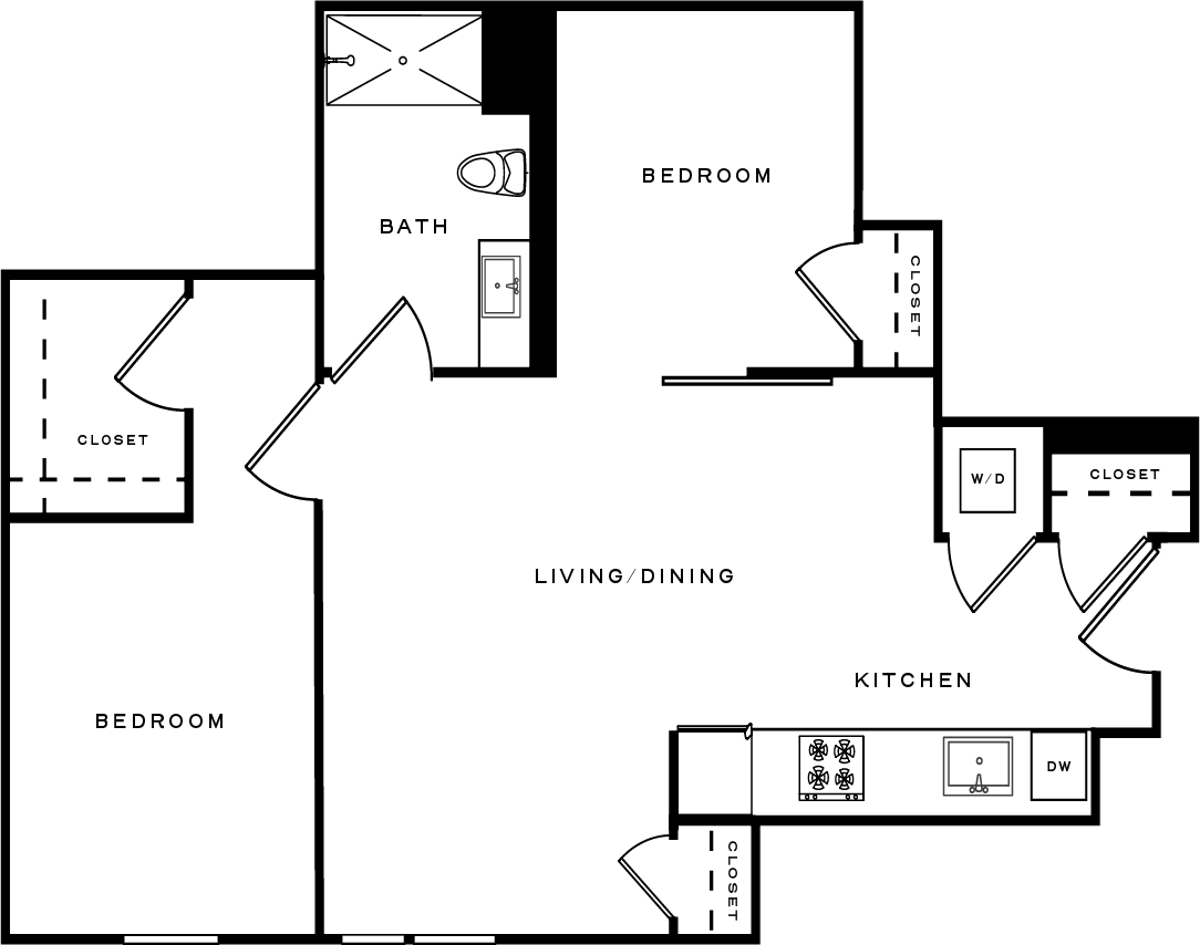
Drag and drop or browse for JPG or PNG floorplans — 2D and 3D both work.
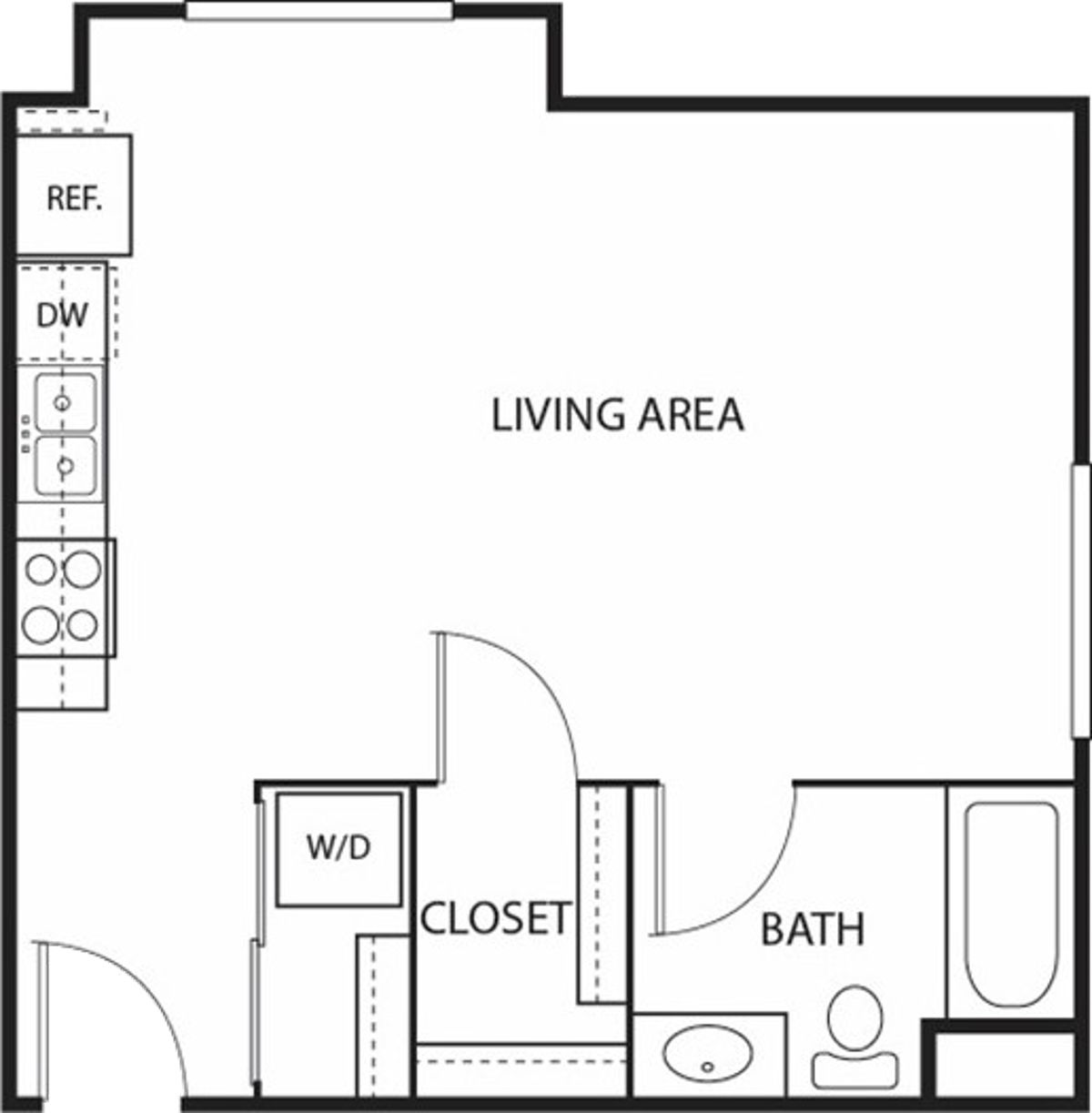
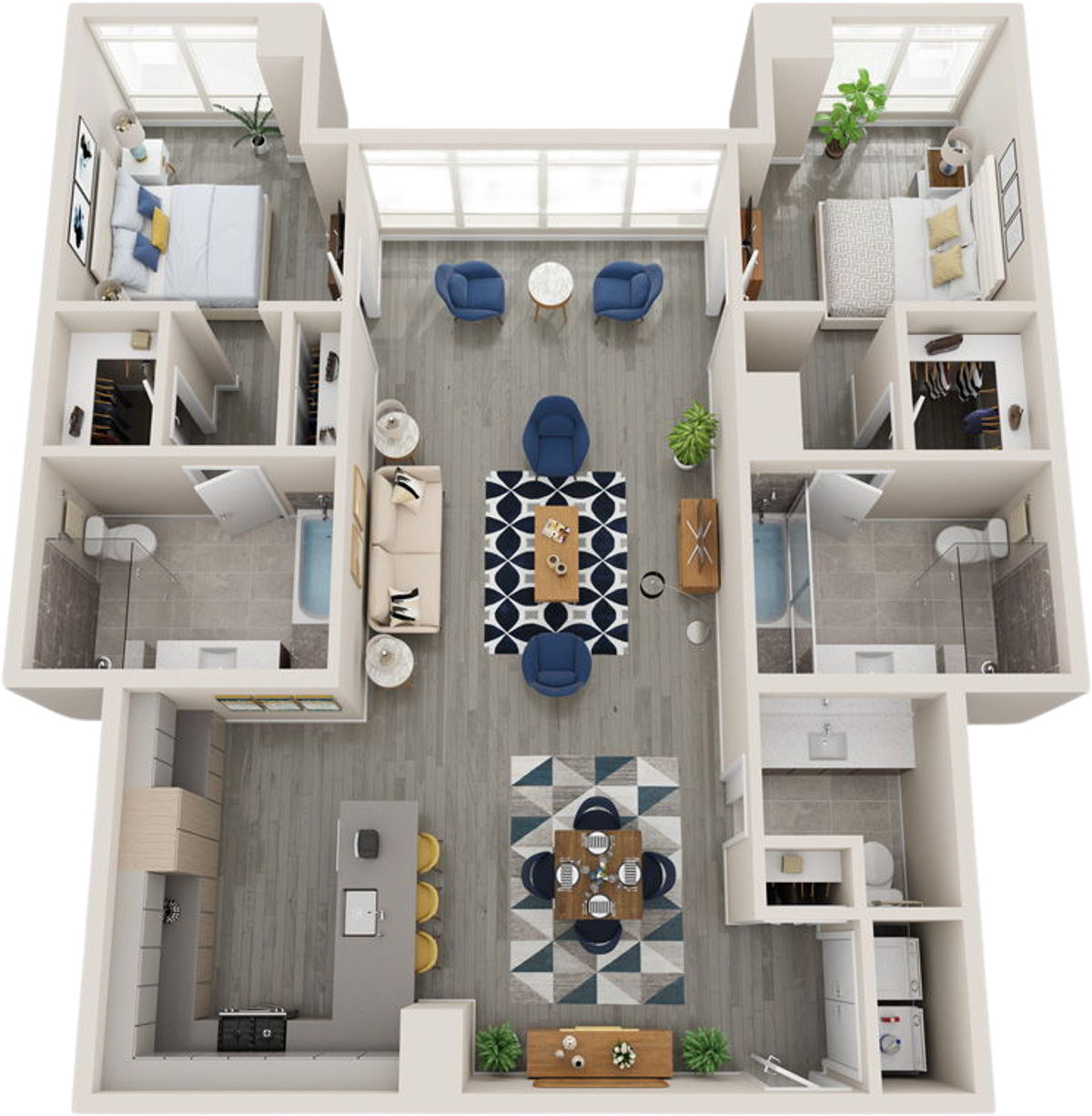
We make the exterior background transparent. Some plans need a tweak:
Export transparent PNGs — one at a time or as a zip. Before you download you can:
Every floorplan is cut out locally on your device using the Canvas API. A single downscaled plan is sent to our AI to work out the best settings for your batch — nothing else leaves your browser, and we never store your images.