
Media Kit
Everything you need to represent Lineups
Logos, colors, and type, plus the rules from our brand guidelines that keep them consistent. Free to use for press, partners, and multifamily operators referencing Lineups — no approval needed when you follow the guidance below.
Logo lockups
On light backgrounds the wordmark is brand navy and the icon stays Flamingo Red. On dark backgrounds the wordmark is white and the icon stays Flamingo Red. White and black lockups are also available when a monochrome mark is required.
From the brand guidelines

Monochrome






Safe zone
The logo and wordmark are drawn with balance. Element distances and letter spacing must always be reproduced exactly as shown in the guidelines — never re-spaced, re-kerned, or rebuilt.
XXXX
Reproduce spacing as drawn. Nothing enters the safe zone — no type, rules, edges, or other logos.
Minimum reproduction sizes aren't specified in the guidelines — ask brand before setting the mark below thumbnail scale.
Color
Primary and secondary colors together make up the graphic identity. Use all four.
Primary
#FF7055
Flamingo Red
CMYK 0 / 68 / 62 / 0
RGB 255 / 112 / 85
Primary
#172542
Brand Navy
CMYK 100 / 85 / 43 / 50
RGB 23 / 37 / 66
Secondary
#EEEAE9
Warm Neutral
CMYK 8 / 8 / 8 / 0
RGB 238 / 234 / 233
Secondary
#99BED0
Sky Blue
CMYK 45 / 15 / 15 / 0
RGB 153 / 190 / 208
Typography
Brockmann is a licensed typeface authorized for official brand use. It must not be replaced, altered, or substituted under any circumstances.
Brockmann MediumLicensed
ABCDEFGHIJKLMNOPQRSTUVWXYZ
abcdefghijklmnopqrstuvwxyz
123456789!”·$%&/()=?¿*^Ǩ_:;
Brockmann Regular
Brockmann Regular Italic
Brockmann Medium
Brockmann Medium Italic
Brockmann SemiBold
Brockmann SemiBold Italic
Brockmann Bold
Brockmann Bold Italic
Icon usage
Use the Flamingo Red icon on light backgrounds, the white icon on dark backgrounds, and the black icon when a monochrome mark is required on light backgrounds. Never modify or recolor it outside approved brand colors.

Flamingo Red
#FF7055

White
#FFFFFF

Black
#000000



Logo over photography
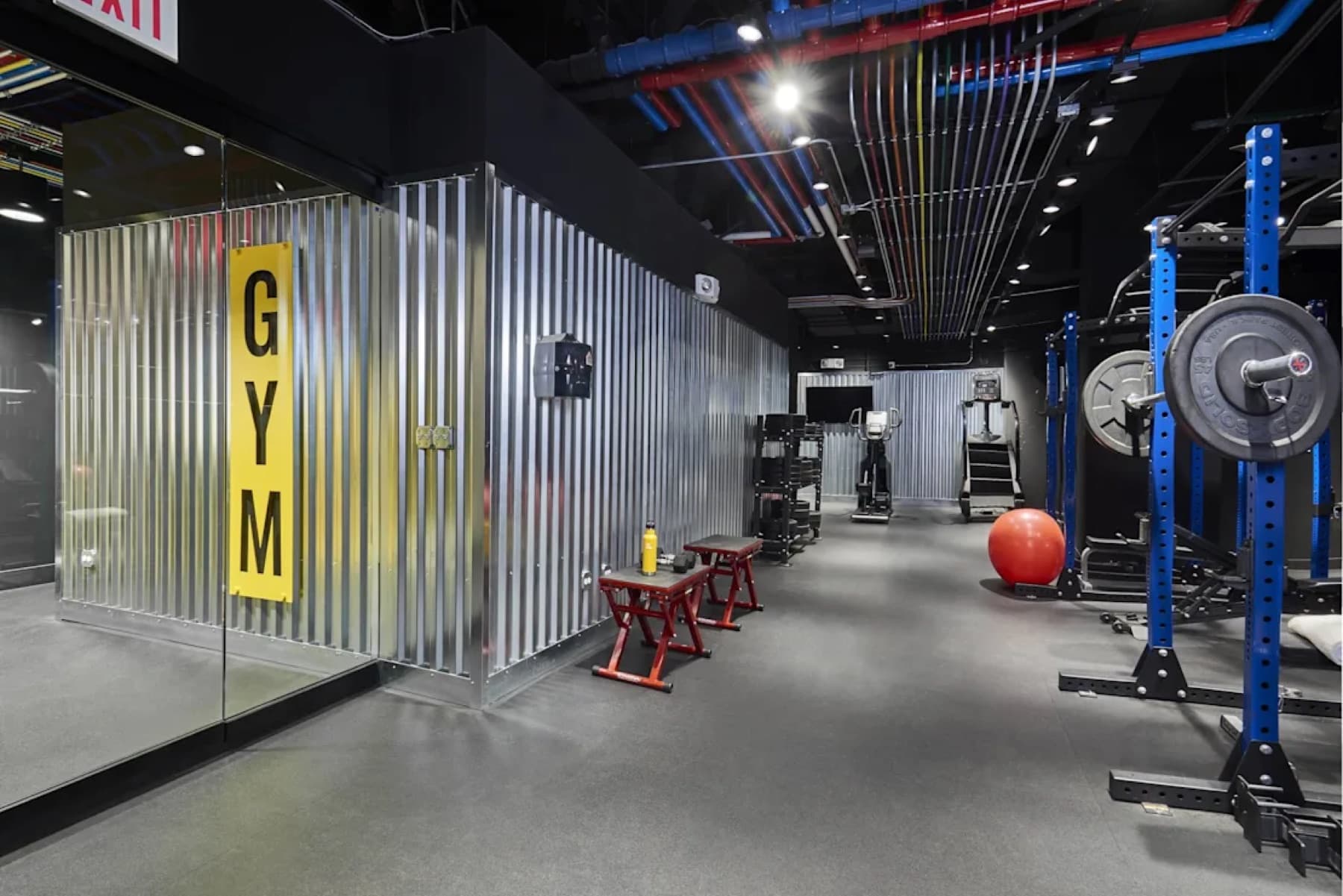
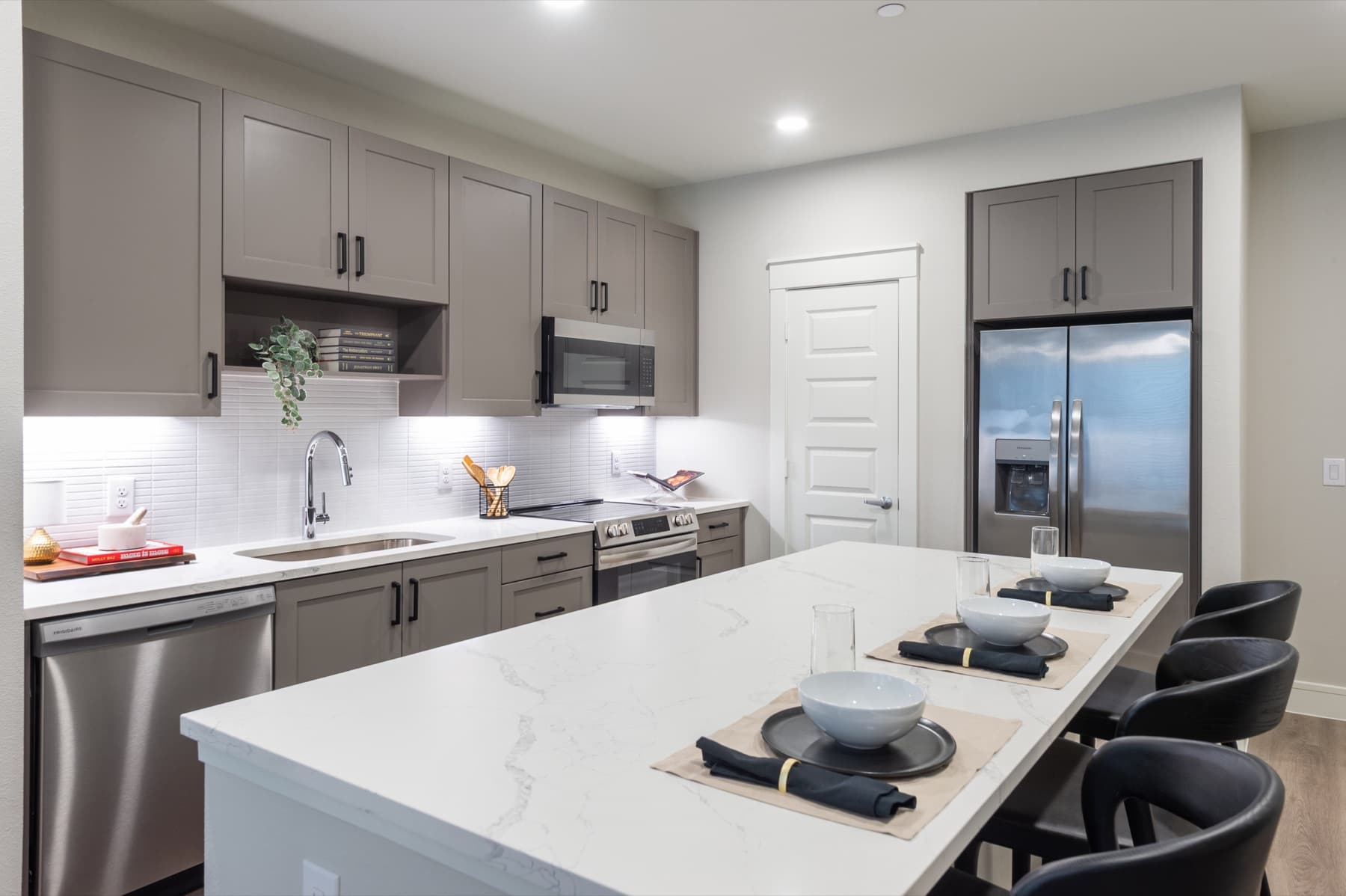
Choose images with enough negative space for the mark to read. Where contrast falls short, add an overlay. If the logo still isn’t visible on the photo, use the white lockup.
Dark imagery
White wordmark, Flamingo Red icon. If contrast is insufficient, apply a 40% navy overlay.
Light imagery
Navy wordmark, Flamingo Red icon. If needed, apply a 30% white overlay.
If the logo isn't visible on the photo after an overlay, use the white lockup.
Incorrect uses
The logo cannot be changed. Creativity is appreciated everywhere else — not here.

Don't stretch or skew the proportions
Don't alter the brand colors
Don't use off-brand colors
 STACKED
Don't alter the brand architecture
Don't remove elements
Naming & voice
Editorial guidance — not in the brand guidelines PDF. Confirm before publishing.
Correct
Incorrect
Why
Lineups
LineUps, Line Ups, LINEUPS
One word, capital L only
Lineups AI Design Assistant
the Lineups AI
Full name on first mention
built with Lineups
Lineups'd, Lineupsing
Never a verb
lineups.io
Lineups.io as the company name
Domain in URLs only
Boilerplate
One-liner
Lineups helps multifamily marketing teams produce pro-level, on-brand designs in four clicks.
Short — 50 words
Lineups is a design platform purpose-built for apartment marketing — not a generic design tool. Multifamily teams pick a template for image, carousel, video, or PDF, auto-brand it, customize the copy, select media, and render to every format, with an AI Design Assistant keeping every asset on-brand.
Long — 100 words
Lineups is a design platform purpose-built for apartment marketing — not a generic design tool. Multifamily teams pick a template for image, carousel, video, or PDF, auto-brand it, customize the copy, select media, and render to every format. An AI Design Assistant keeps every asset on-brand so community managers and regional marketers can produce professional work in minutes, without a design degree or a complex workflow. From social posts to print flyers, Lineups gives property teams one place to create, stay consistent, and ship content before the coffee cools.
Take the whole kit
Logo lockups, palette, and the guidelines PDF
Questions? press@lineups.io