What Is Auto-Branding and Why Multifamily Teams Need It
What Is Auto-Branding and Why Multifamily Teams Need It
Auto-branding is the automatic application of your property's brand — its colors, logos, fonts, and layout rules — to every marketing asset you create, without designing each one by hand. Instead of rebuilding a flyer or social post from scratch and hoping it matches your last one, you start from your brand and the design comes out consistent every time. For multifamily teams juggling dozens of properties, it's the difference between marketing that looks like one portfolio and marketing that looks like a scramble.
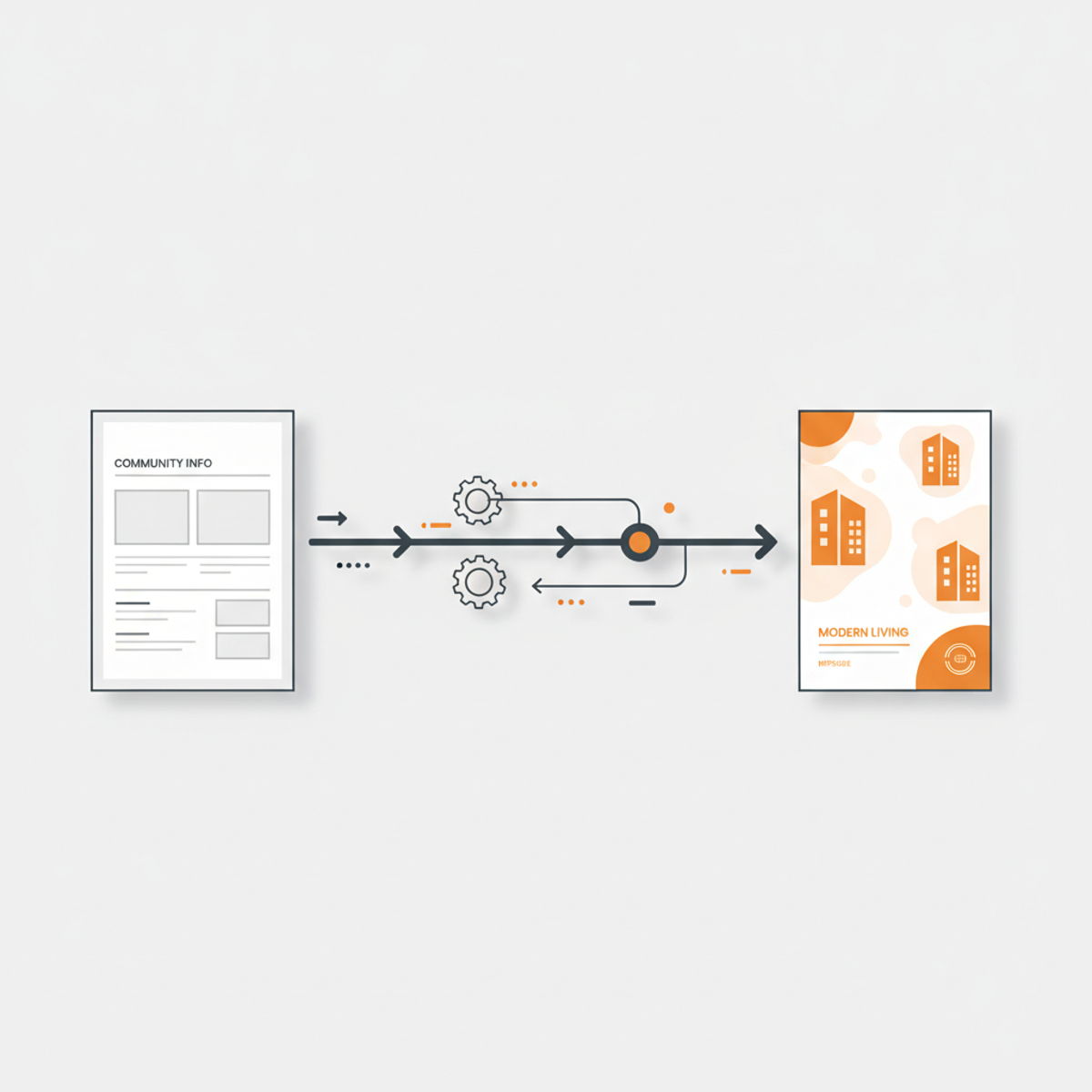
What auto-branding actually does
Every property has a brand kit whether it's written down or not: a logo, a primary color, a couple of fonts, maybe a tagline. Auto-branding stores those rules once and then enforces them automatically across everything you produce. Pick a template or drop in a photo, and your brand is already applied — the right logo in the corner, the right accent color on the button, the right typeface in the headline.
The practical payoff is speed with consistency. With Lineups' Design Assistant, on-brand designs come together in about five minutes because you're never starting from a blank canvas or manually matching hex codes. The brand travels with you from a leasing flyer to an Instagram Reel to a Google Business post, so a regional manager reviewing ten communities sees ten cohesive brands instead of ten interpretations of "close enough."
Why generic templates fall short
Most teams reach for a general-purpose design tool and a folder of templates. That works until it doesn't. Templates are a starting point, not a guardrail — nothing stops a busy site team from swapping in the wrong orange, stretching a logo, or picking a font that isn't yours. Multiply that across a portfolio and turnover in on-site staff, and brand drift is almost guaranteed.
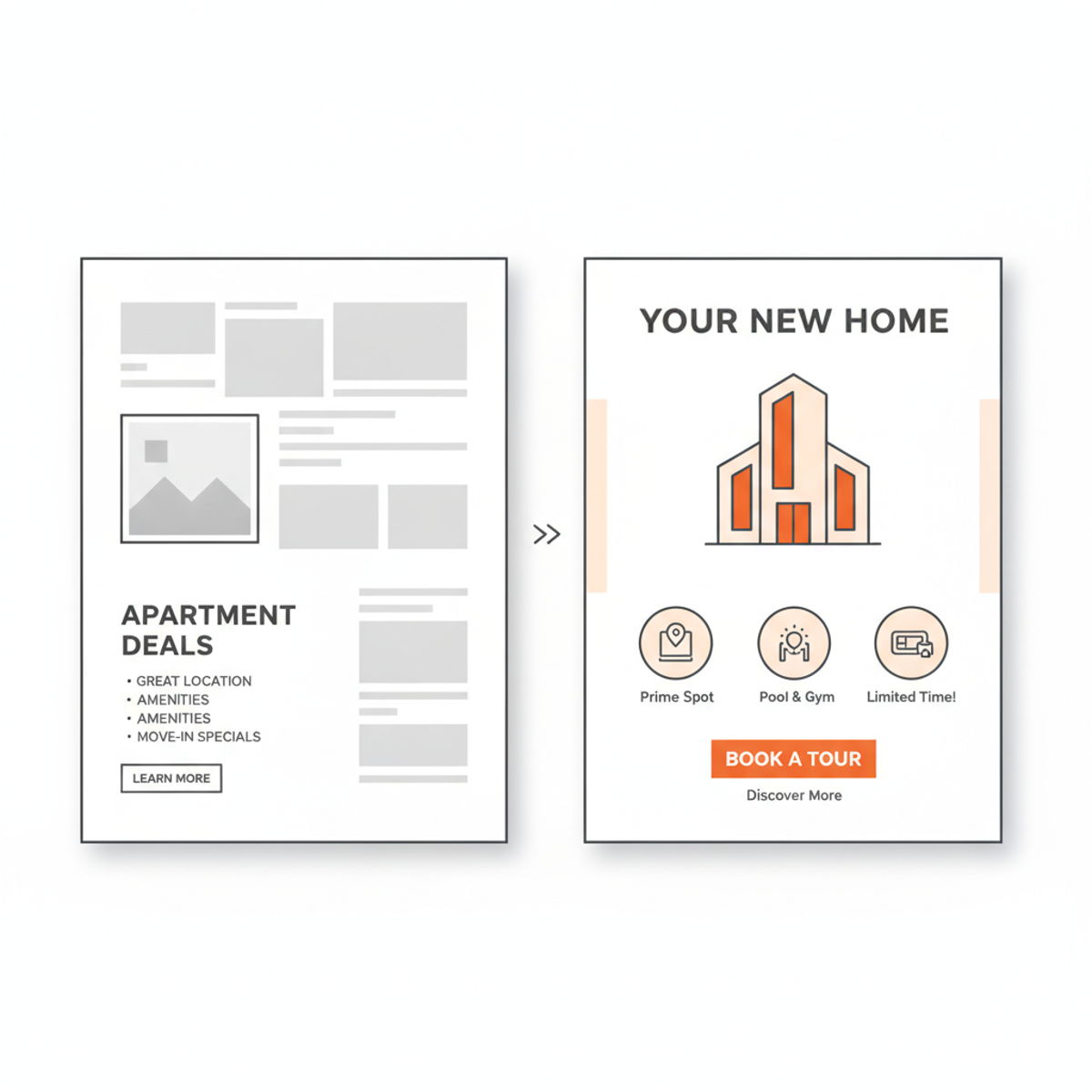
The image above is the whole argument in one frame. The left is what happens when brand is a suggestion; the right is what happens when brand is built into the tool. Auto-branding removes the judgment calls that lead to inconsistency, which matters most for the people doing the work who aren't designers and shouldn't have to be.
Why multifamily teams need it specifically
Multifamily marketing has a structural problem that most industries don't: you're running many brands at once, at high volume, with distributed teams. A single portfolio might span concession graphics, floor plan callouts, lease-up campaigns, move-in specials, ILS listings, and daily social across Instagram, Facebook, Google Business, and YouTube. Each property has its own identity, and each needs a steady stream of fresh assets.
Doing that by hand doesn't scale. Either you bottleneck everything through one designer or agency, or you let each site improvise and accept the inconsistency. Auto-branding is the third path: on-site and regional teams publish quickly on their own, and the brand holds because the system holds it. Your brand kit lives alongside your assets in Digital Asset Management (DAM), so the logo someone grabs is always the current one, not last year's version buried in a shared drive.
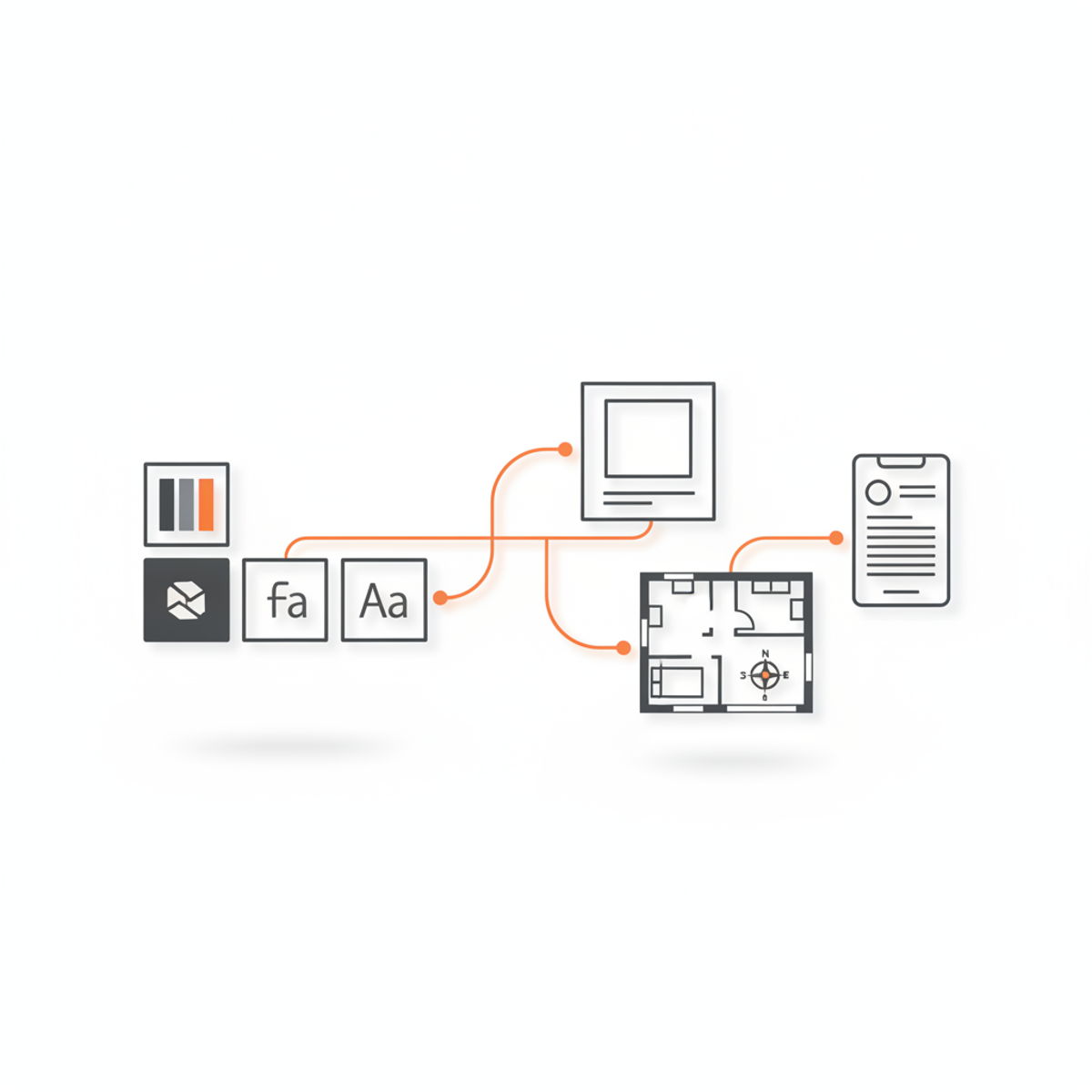
That's the model above: define the brand once, and it flows automatically into every asset type your properties need.
What to look for in an auto-branding workflow
If you're evaluating whether a tool genuinely supports auto-branding — versus just offering templates — a few things separate the two. The brand kit should be centrally managed, so updating a logo or color once pushes everywhere rather than requiring you to fix files one at a time. It should apply across formats, not just square social posts, because your team also needs stories, flyers, and signage. And it should be usable by non-designers, since the whole point is letting your leasing and marketing staff move without a design bottleneck.
It's worth being honest about the tradeoff. Auto-branding trades some open-ended creative freedom for consistency and speed. If your goal is a one-off, bespoke campaign, a full design suite gives you more room. But for the day-to-day reality of multifamily marketing — high volume, many properties, mixed skill levels — that constraint is the feature. Guardrails are what keep a portfolio looking like a portfolio.
Getting started
You don't need a rebrand to benefit. Start by writing down what you already have: primary and secondary colors, logo files, and the one or two fonts you use. Load those into your brand kit once, and every new asset inherits them automatically. Lineups' Design Assistant starts at $50 per brand per month with unlimited users, so your whole team can publish on-brand without per-seat math — and teams that would rather hand it off entirely can use White Glove to have it done for them.
Auto-branding isn't a nice-to-have for multifamily; it's what makes consistent, high-volume marketing possible when you're running many properties with lean teams. Define your brand once, then let every post, flyer, and video carry it automatically.