How to Create On-Brand Apartment Social Posts in Under 5 Minutes
How to Create On-Brand Apartment Social Posts in Under 5 Minutes
You can publish a professional, on-brand apartment social post in under five minutes by starting from a multifamily-specific template, letting auto-branding apply your colors and logo, and exporting to the right format in one step. You do not need design training — you need a workflow built for leasing teams, not blank canvases.
Most property marketers already know what to post: a move-in special, a pool photo, a community event. The bottleneck is turning that idea into a polished graphic that matches brand standards before the concession expires. Here is a repeatable workflow that works across Instagram, Facebook, Google Business, and Stories.
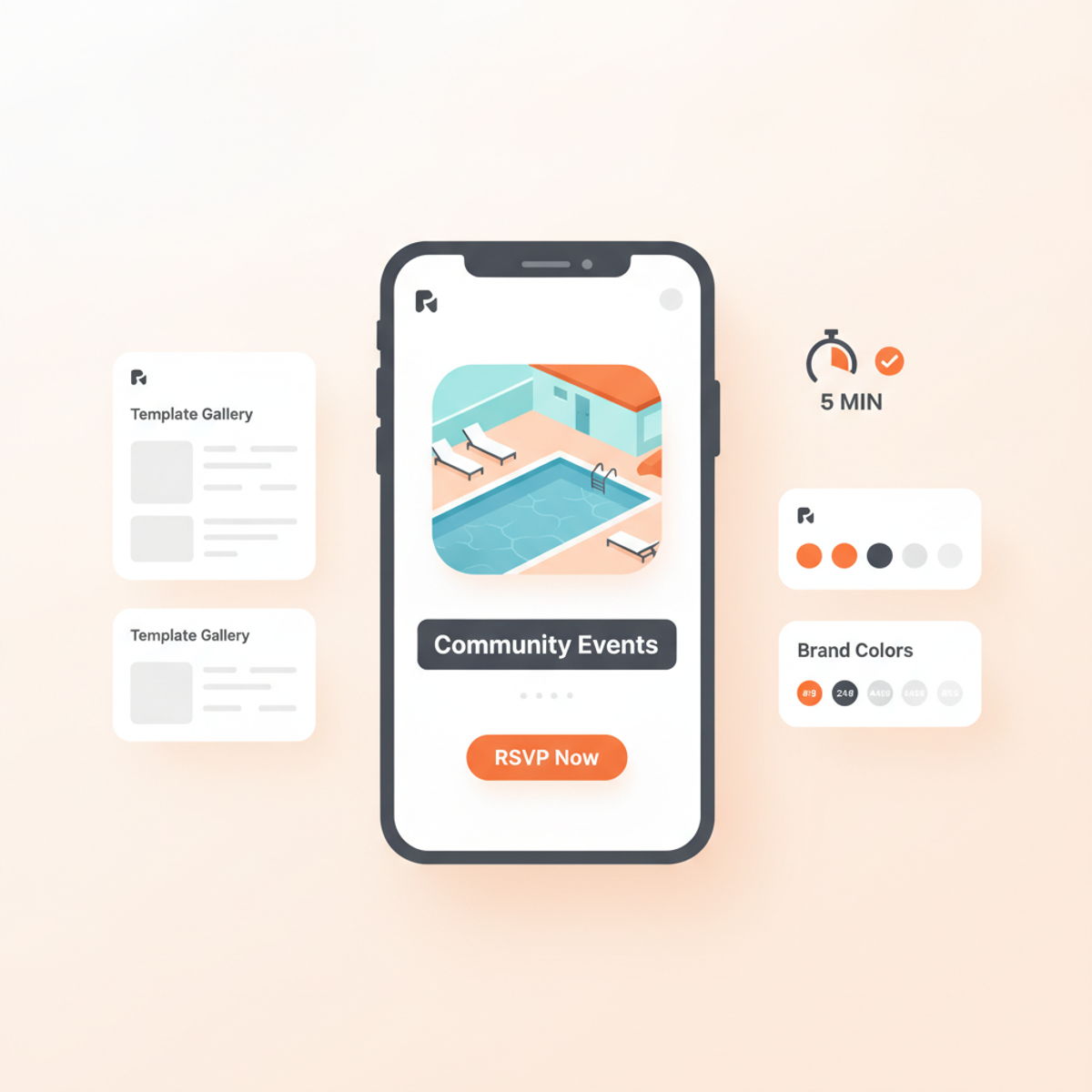
Why Speed Matters for Apartment Social
Concessions change weekly. Lease-up timelines do not wait for a designer to return from PTO. When every property in a portfolio posts with different fonts, colors, and crop sizes, the brand feels fragmented — even if the photography is strong.
Speed only helps if quality stays high. Generic design tools solve the speed problem but create a new one: off-brand posts that leasing directors have to send back for rework. The goal is fast and on-brand, not fast and forgettable.
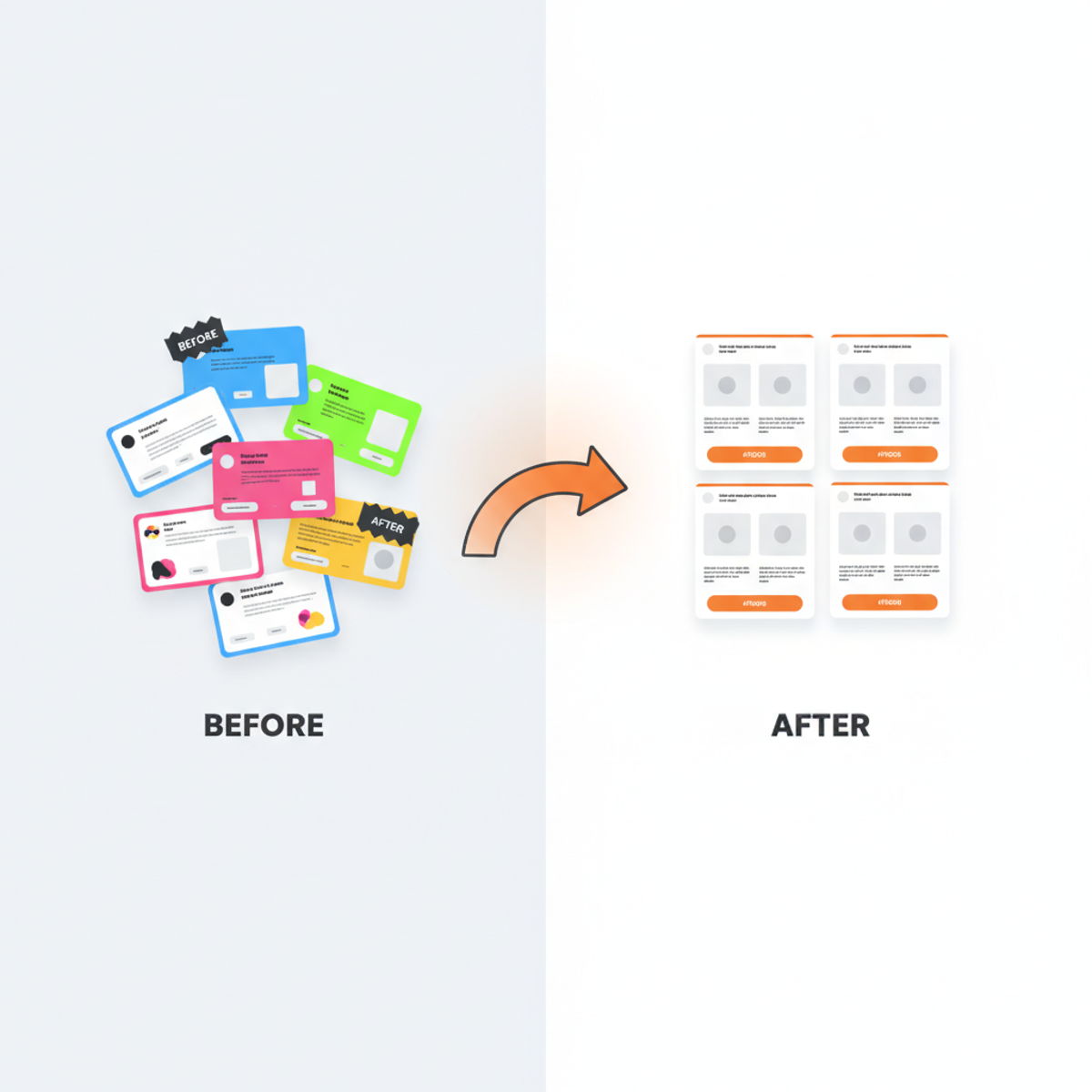
The 5-Minute Workflow
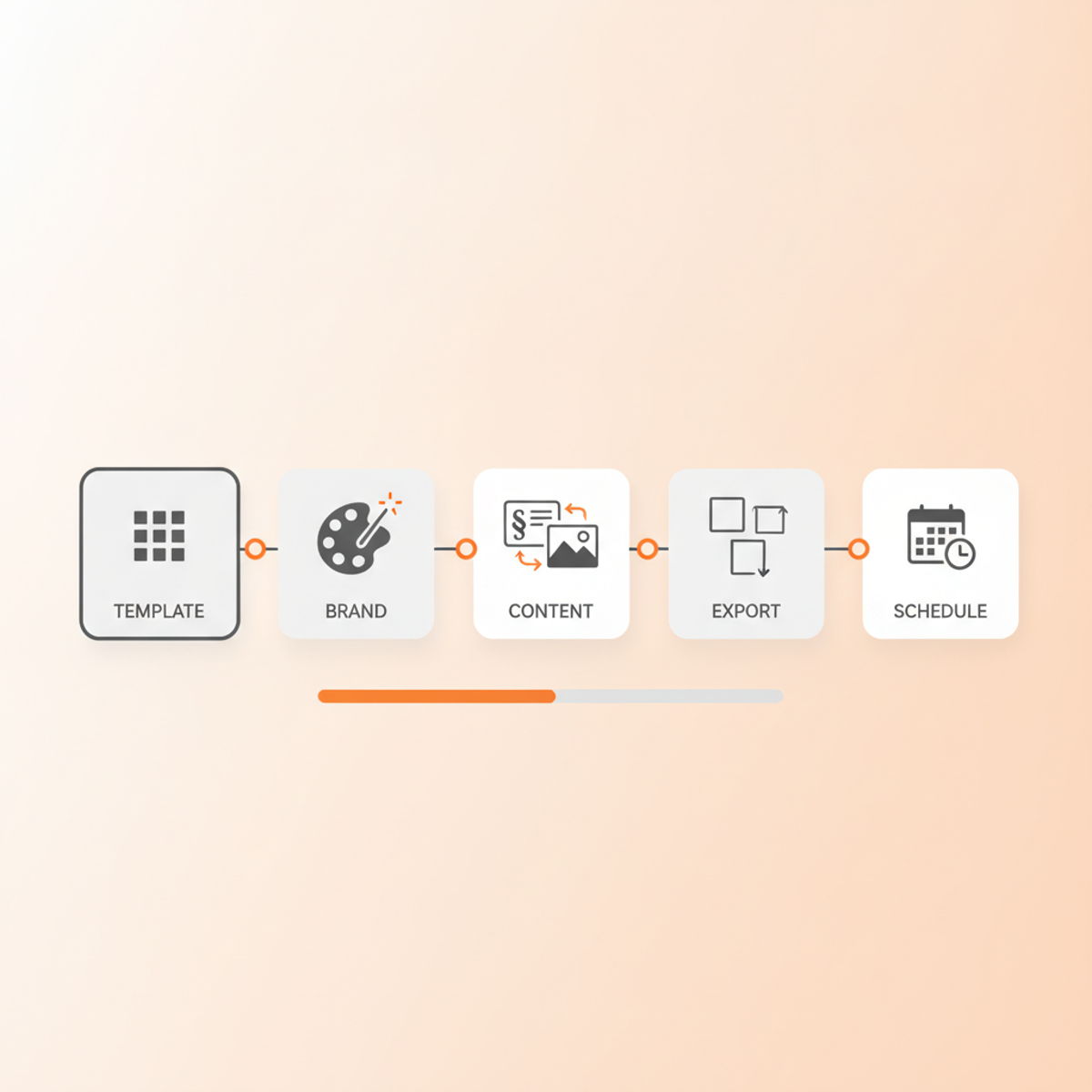
Step 1: Pick a multifamily template (30 seconds)
Start from a template built for apartments — move-in specials, amenity spotlights, event announcements, floor plan promos — not a blank Instagram canvas. You should never hunt for the right dimensions or wonder whether the layout works for multifamily.
Design Assistant includes templates for feed posts, Stories, carousels, Reels covers, and more. Pick the format first, then the topic.
Step 2: Auto-apply your brand (30 seconds)
Set up your brand profile once: logo, primary and secondary colors, fonts. Every template you open should render with those assets automatically. That is auto-branding — and it is the difference between "mostly on-brand" and "always on-brand" when ten people create content across a portfolio.
If your team is still manually dropping logos into Canva, read why generic templates hurt property brands at scale.
Step 3: Swap copy and media (2 minutes)
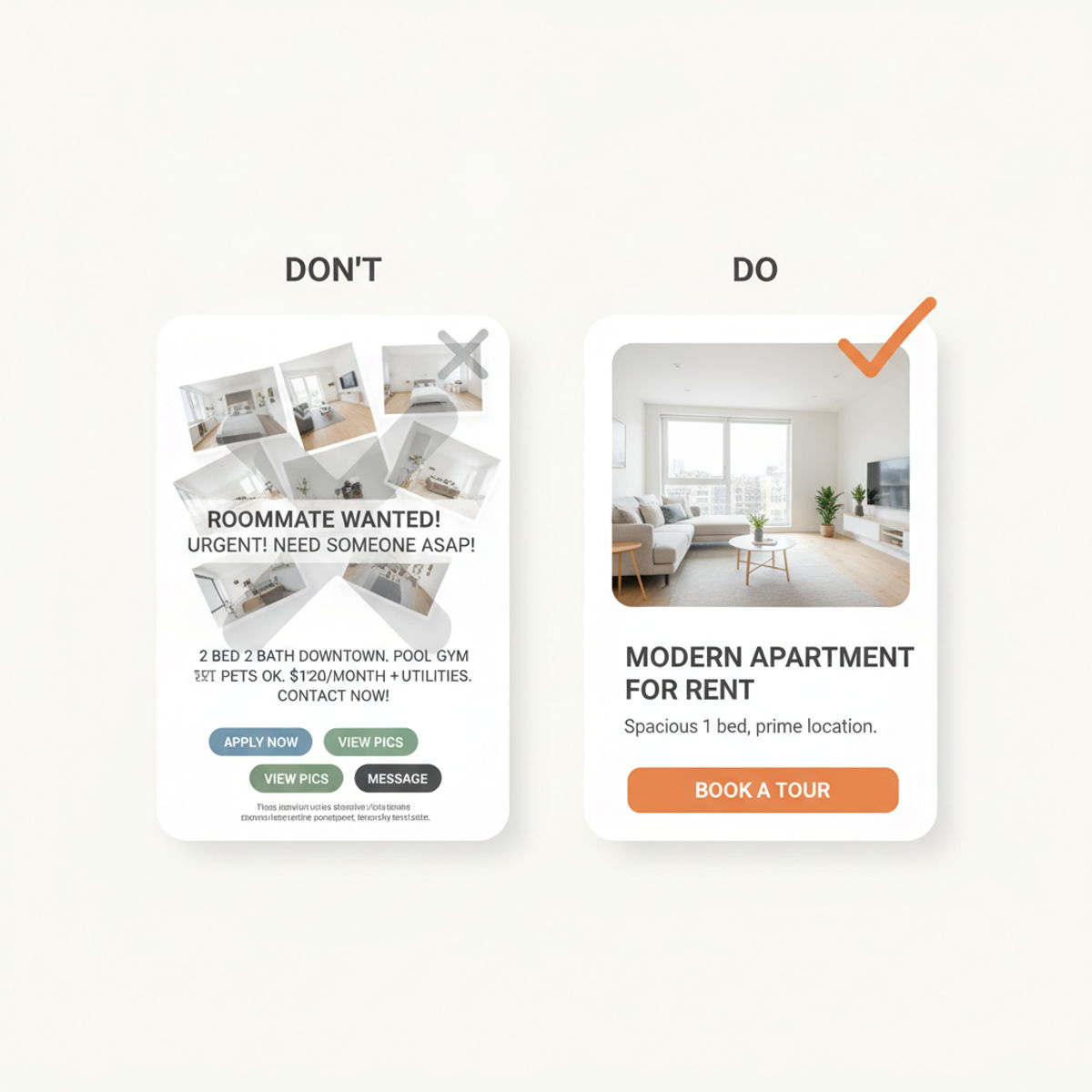
Replace placeholder text with your headline, dates, and CTA. Drop in property photography from your library — pool, fitness center, renovated unit, resident event. One strong photo beats a cluttered collage.
Keep one message per post:
- One offer — "$500 off first month" not three competing specials
- One CTA — "Schedule a tour" or "Apply today," not both
- One visual focal point — let the photo breathe
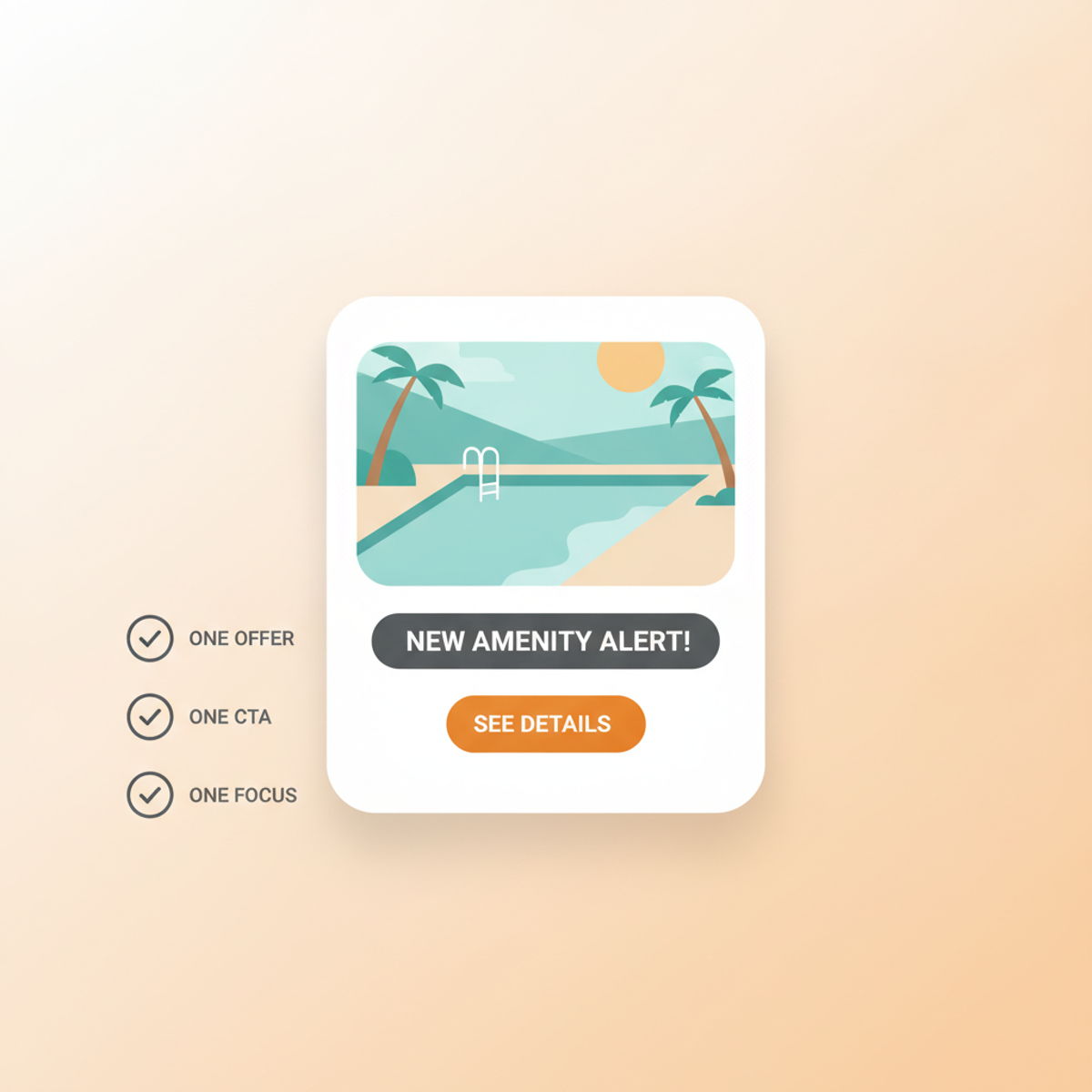
Step 4: Export to every format (1 minute)
The same core creative should become a feed post, a Story, and a Google Business update without rebuilding from scratch. Export all sizes from one template so onsite teams, regional marketers, and social managers pull from the same source of truth.
Step 5: Schedule or publish (1 minute)
If you use Content Planner, move from design to scheduled post without leaving the platform. You can post to Instagram, Facebook, Google Business, and YouTube from one workflow — see which networks are supported.
Who Can Do This?
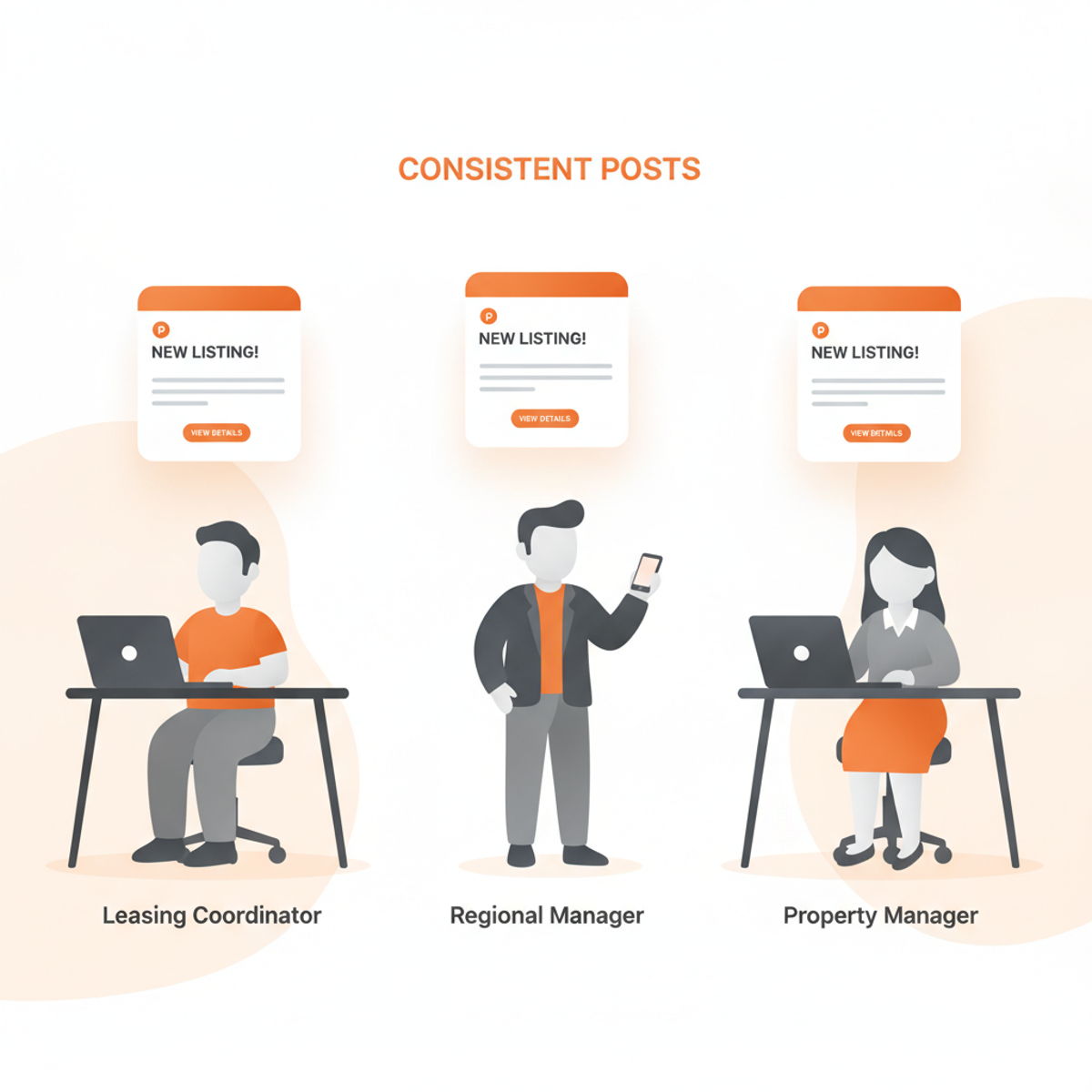
Anyone on your team. Design skills are not required — Lineups Design Assistant is built for marketers and leasing coordinators, not graphic designers. Regional managers, property managers, and marketing coordinators can all produce the same quality output because the brand system does the heavy lifting.
For a deeper look at the persona and pain points, see our apartment social media use case.
Common Mistakes to Avoid
Starting from scratch every time. Templates exist so you are editing, not designing. Reuse what works.
Cramming too much copy. Social posts are billboards, not brochures. If renters cannot read it in three seconds on a phone, cut it.
Ignoring Stories and Reels. Feed posts are table stakes. Vertical formats drive discovery — plan them in the same session, not as an afterthought.
Skipping brand review. Auto-branding reduces errors, but fair-housing and offer accuracy still need a human check before publish.
When to Go Beyond DIY
The five-minute workflow covers day-to-day social: concessions, events, amenity highlights, seasonal content. You may still want dedicated support for:
- Portfolio-wide campaign launches
- Rebrands across dozens of properties
- Hands-free channel management
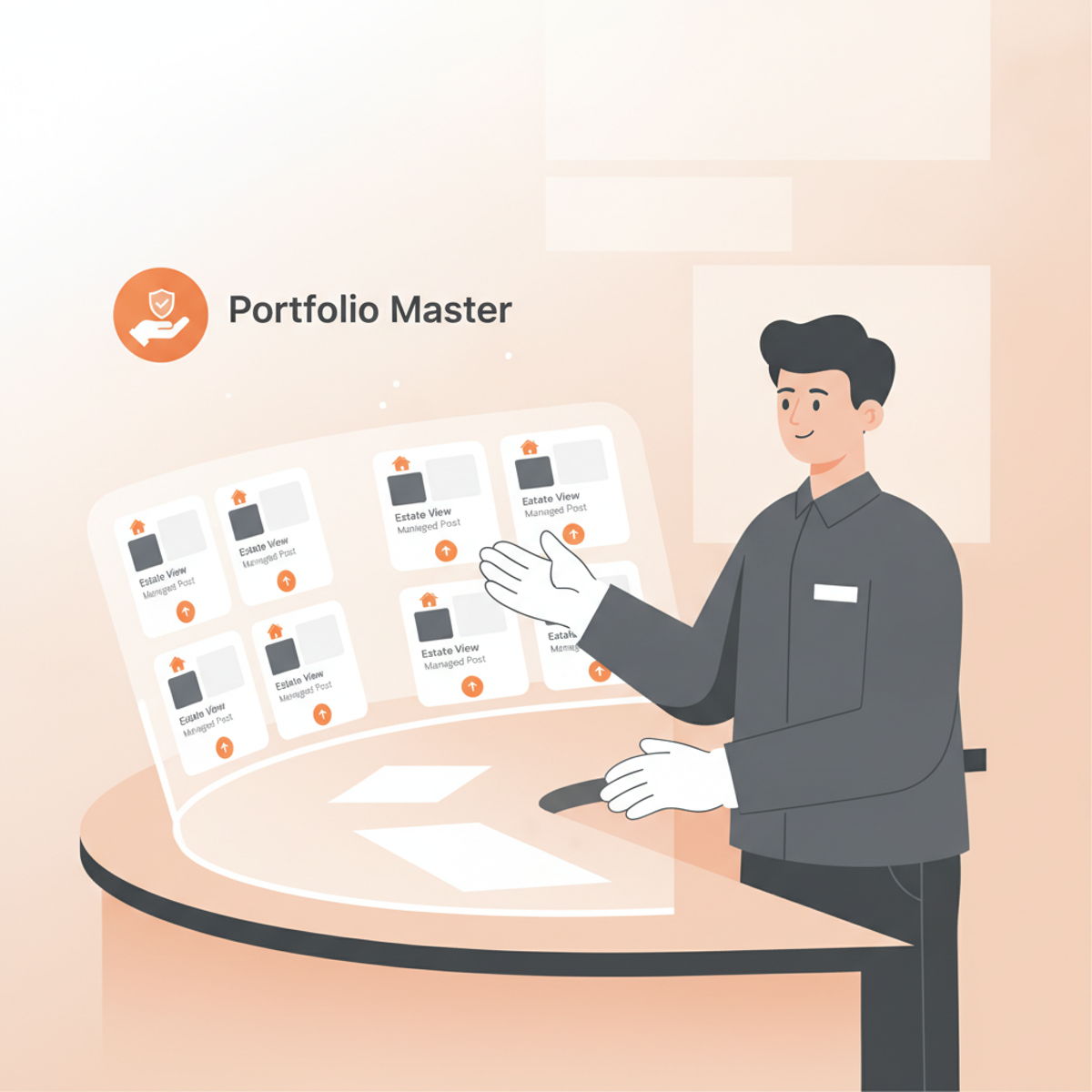
White Glove handles ongoing posting when your team needs a specialist, not another tool to learn.
Start Posting Faster This Week
- Audit your last 10 social posts — how many are fully on-brand?
- Set up (or refresh) your brand profile in Design Assistant
- Create one concession or event post using the workflow above
- Schedule next week's content in Content Planner
Multifamily marketing moves fast. Your design workflow should keep up — without sacrificing the brand your properties worked hard to build.
Schedule a demo to see Design Assistant with your own brand assets, or explore pricing for portfolio plans starting at $50 per brand per month with unlimited users.